Build and enable custom AI agents
Improve efficiency and control workflow.
Build and enable custom AI agents


Agent Builder for Workstorm
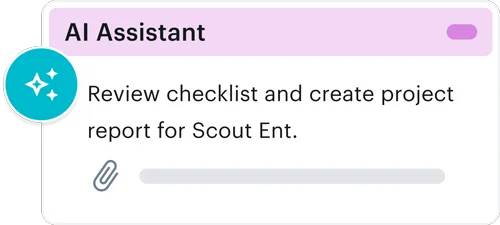
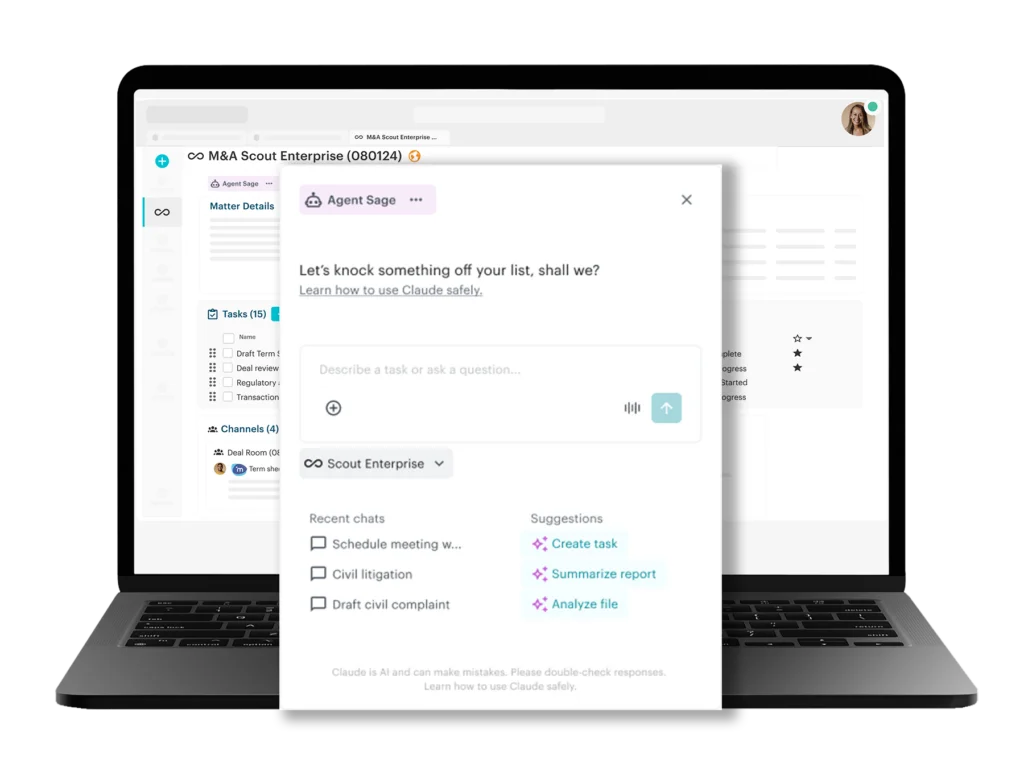
Agent Builder gives you the power to create custom AI agents that work alongside your team regardless of which AI model you use. Built directly into Workstorm’s collaboration platform, agents can keep tasks and projects moving forward, summarize project status, and build custom reports. Teams define the skills and what Streams the agent has access to, so automation never comes at the expense of security or compliance. The result is a faster, more consistent way to handle repetitive work, freeing people to focus on judgment-driven tasks and strategy.
Build on a workflow- not the model
Work with Workstorm to customize your agent buildouts. Your workflow is the real asset: the logic, the steps in a process, and the way it works internally. Your workflow stays stable and improves overtime, even as the underlying models change. With built-in analytics you have visibility into how each agent performs, where it is costing time or money, and what’s worth keeping.
Retain Control; Improve Operational Visibility
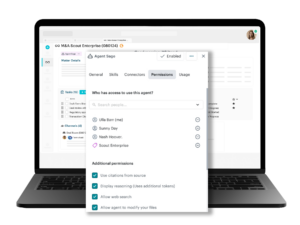
Track and control agent permissions
Every agent operates within admin-defined guardrails, including which Streams, channels, files, and integrations it can access. Workstorm administrators control who can use agents, which AI models it has access to, and token spend capacities. Activity logs give administrators full visibility into what each agent has done, helping organizations maintain legal and regulatory compliance standards.
Report agent efficiency
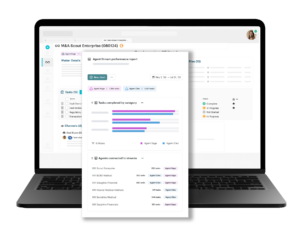
Every agent you build generates activity data that turns into insight. From the Workstorm Analytics dashboard, run custom reports to track how each agent is performing across tasks, teams, and Streams. Identify where agents are saving the most time and fine-tune configurations based on performance data to ensure agents continue to deliver value as workflows evolve.
Connectors
Before an agent can use a connector, an admin must enable them for the organization. Granting permissions allows you to connect your agent to specific apps, retrieve data, and take actions. Admins can limit which actions an agent can take so it always adheres to your organization’s compliance and security policies. Enabling a connector makes it available to the agent, but doesn’t automatically grant every Stream member access to it. Each member will need their own permission authentication to access files and data.





Build your own agent FAQs
Every agent is bound by admin-configured permissions that determine what the agent has access to. Workstorm has always taken a private-by-default approach to collaboration and Streams. Agent Builder uses the same permissions-based access. The company admin can enable members to use create agents within Workstorm and assign them to a Stream or matter. If you have access to Workstorm and want to build an agent, contact your admin.